Walk the house.
Leave with the bid.
Estimating built for drywall contractors. Tap your counts on your phone or tablet as you walk, and the bid prices itself off your own rates — before you're back in the truck.
Request access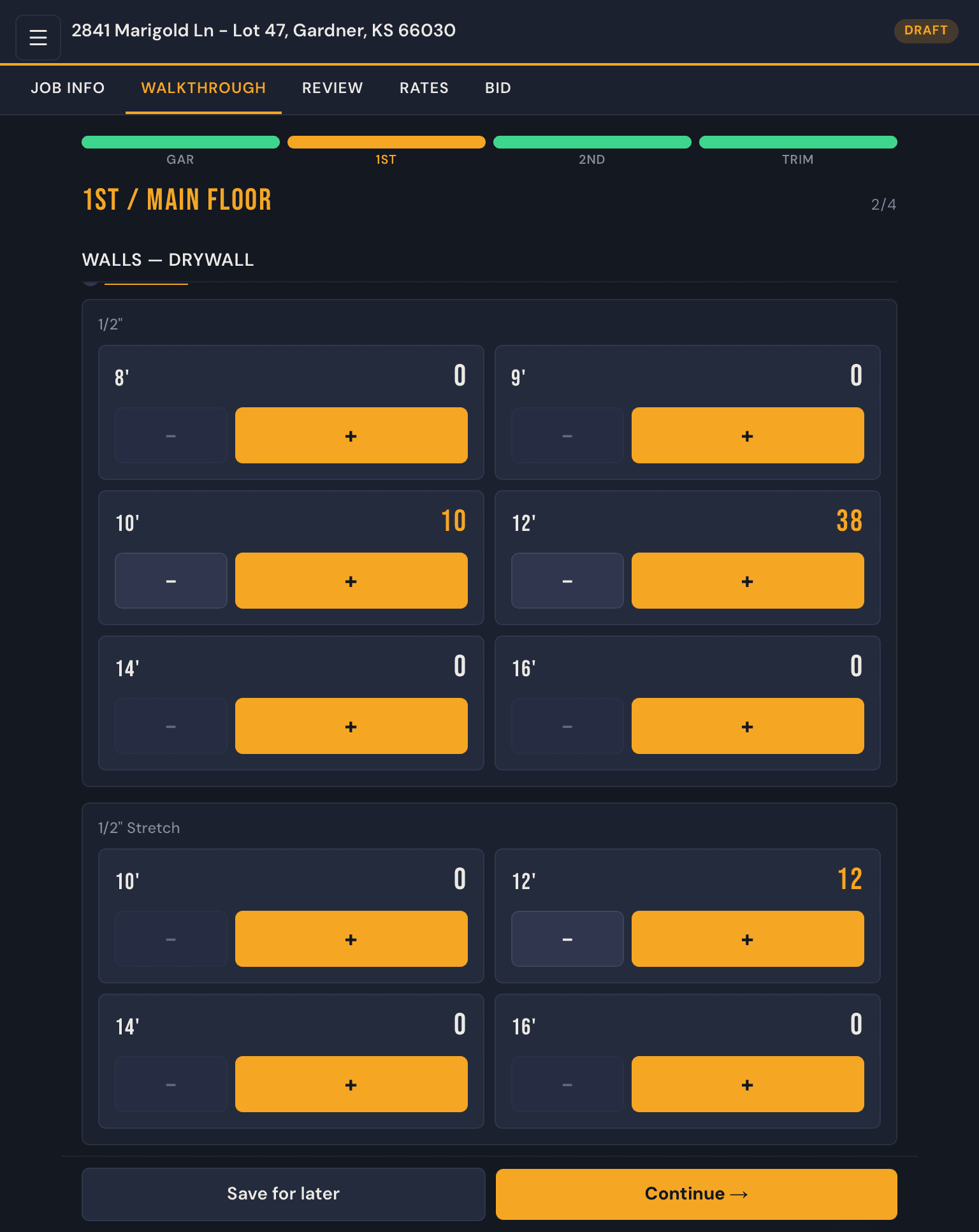
How it works
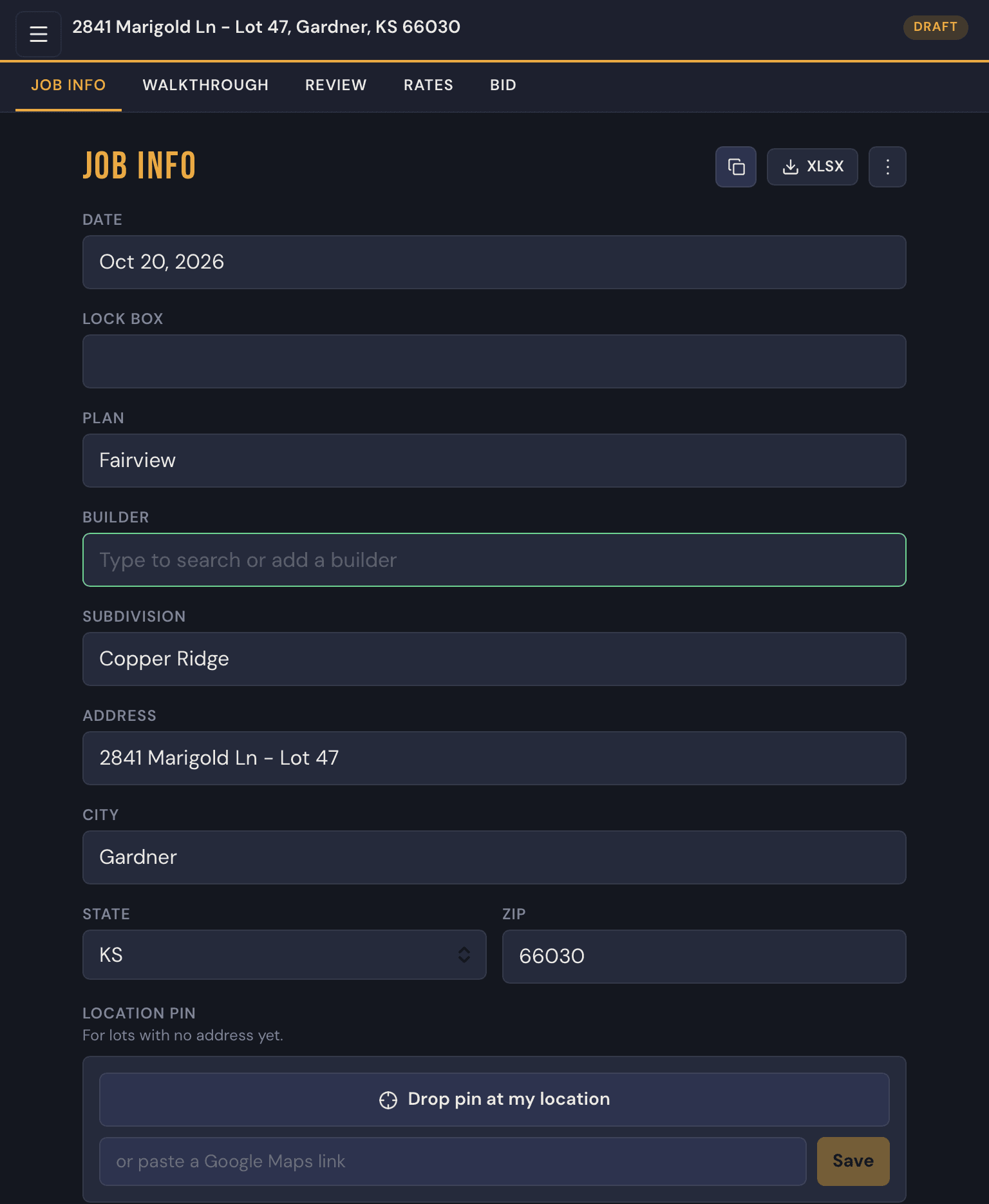
1. Set it up
Start the job with the address, plan and subdivision. No address on the lot yet? Drop a pin where you're standing.
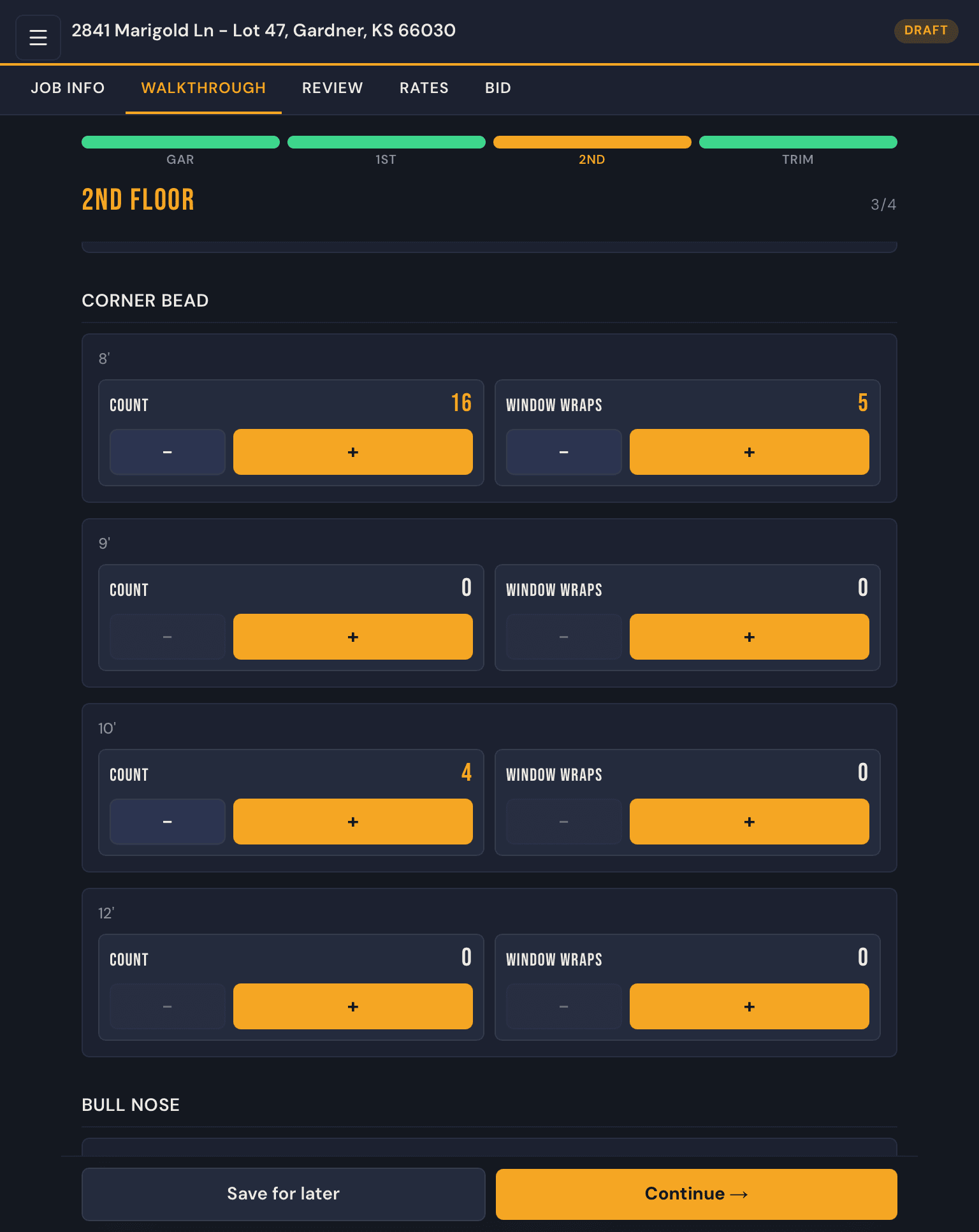
2. Walk it
Tap counts as you go — board, bead, bull nose, backerboard — in the same sections as your count sheet.
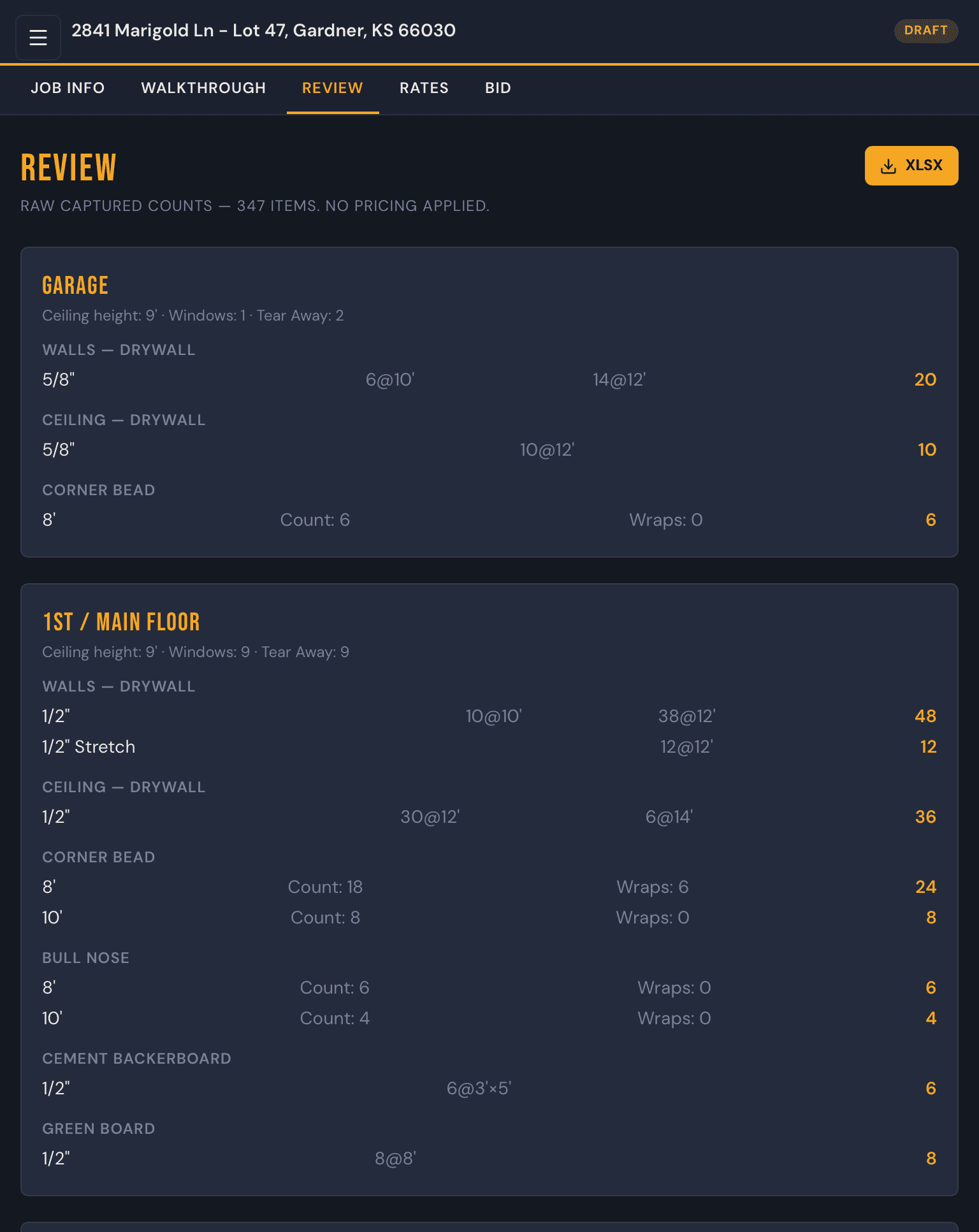
3. Check it
Every count totalled and grouped by floor before a price is attached to any of it.
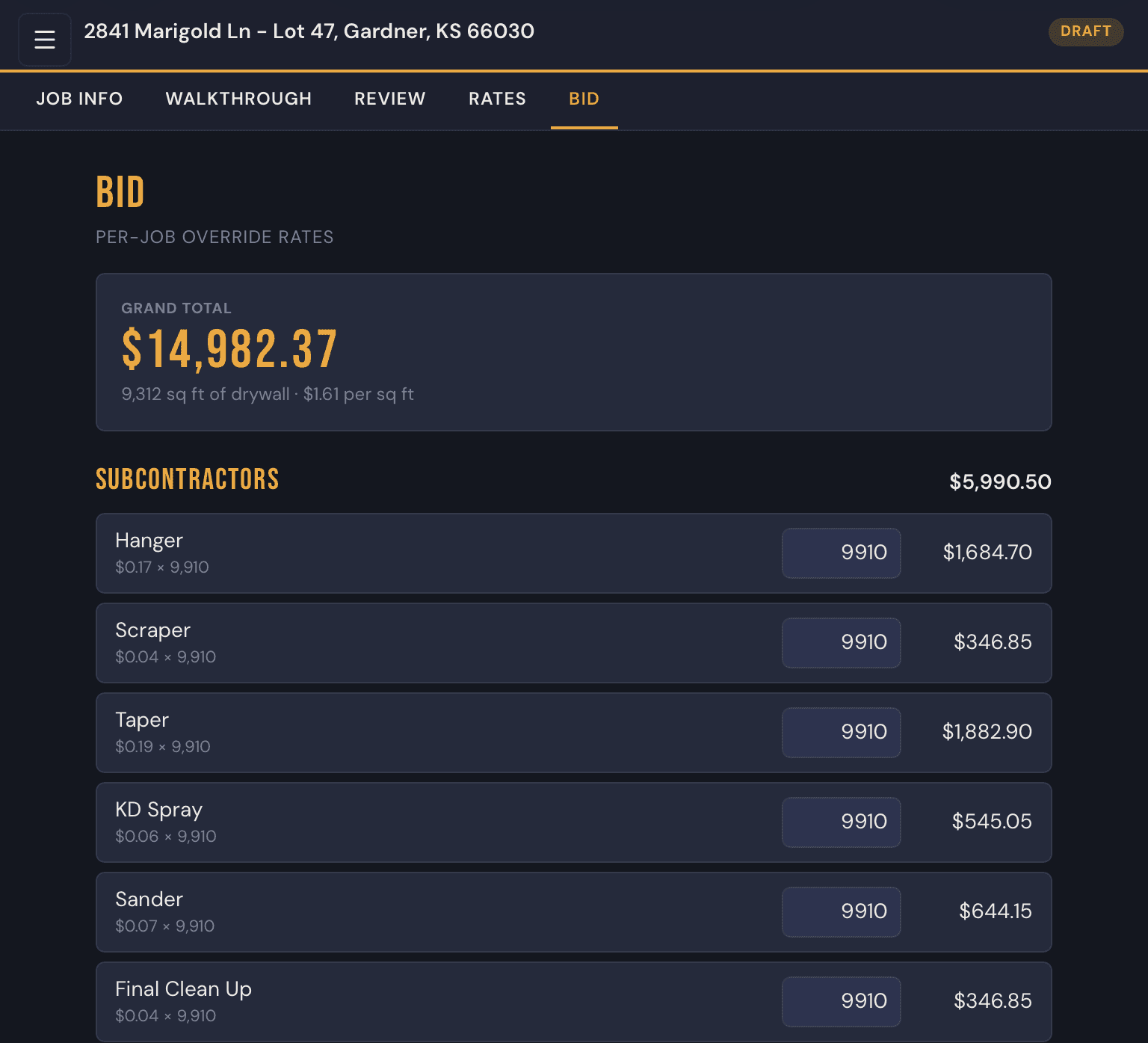
4. Bid it
Your rates do the arithmetic. Out comes a bid you can hand to the builder.
Why it's different
Works with no signal
Basements and new builds don't have bars. Your counts save to your phone or tablet and go up when you're back in range.
Your prices, not an average
Set your rates once, then override them for a builder or a single job. Nothing is priced off someone else's numbers.
Nothing to transcribe
The count you tap in the field is the count that prices the bid. No rebuilding it in a spreadsheet at the kitchen table.
Excel out, PDF out
Download the counts as a spreadsheet for the crew, and the bid as a PDF for the builder.
Who it's for
If you price drywall off a paper count sheet and rebuild it in a spreadsheet later, this was built for you — one-man shops up to a few estimators.
Built alongside a working drywall contractor and their workflow, so the sections match the sheet you already fill in.
Request access
DrywallPro is in closed beta. Leave your details and we'll reach out when the next batch of invites opens.